AI Receptionists for Home Services
Call intake for trades that are out on jobs: capture the problem, address and urgency, treat emergencies as urgent and get the details to whoever is on call.
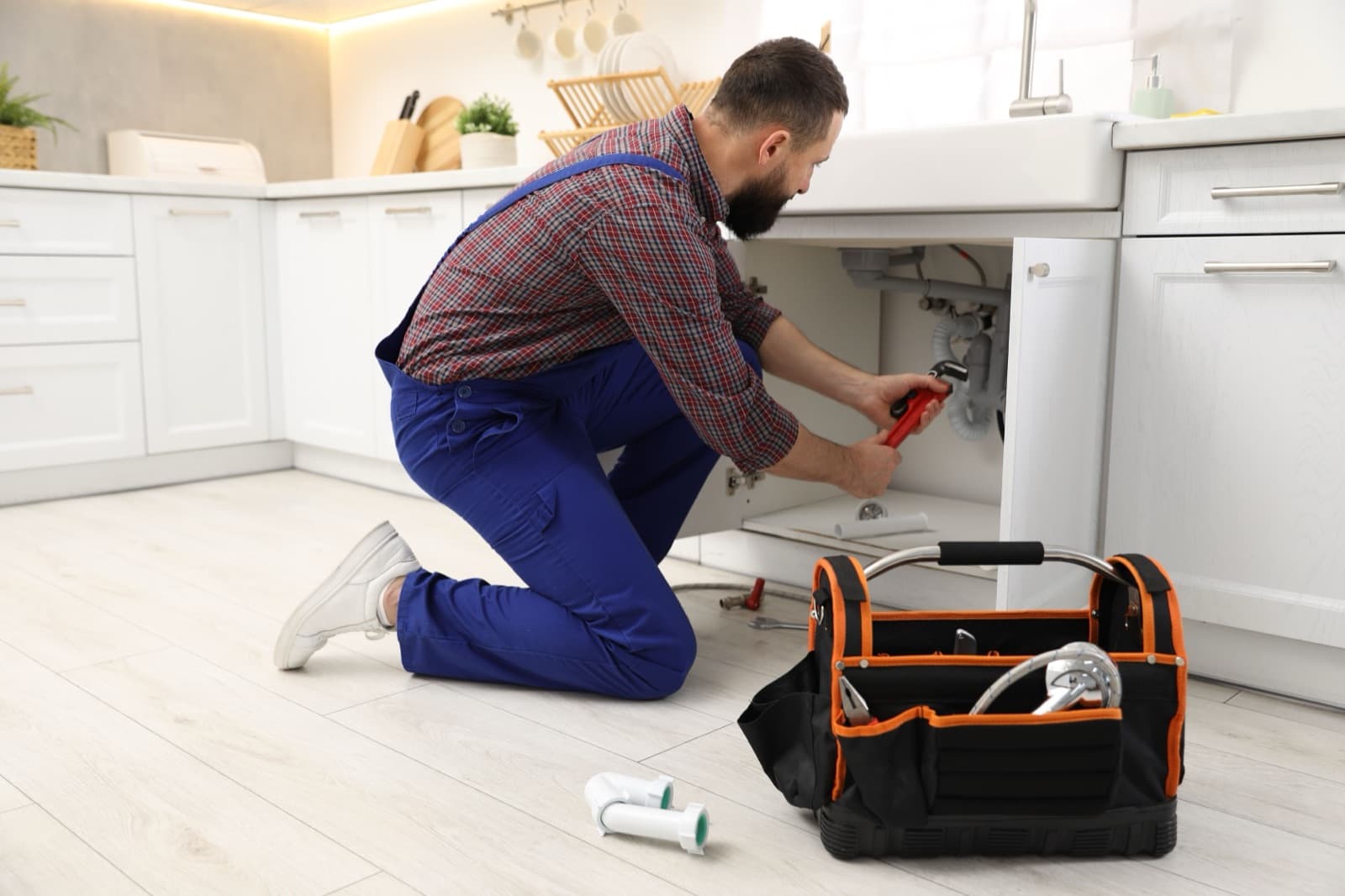
Plumber
Plumbing AI Receptionist
Captures job details, treats emergencies as urgent and takes service-visit requests.
See the template →
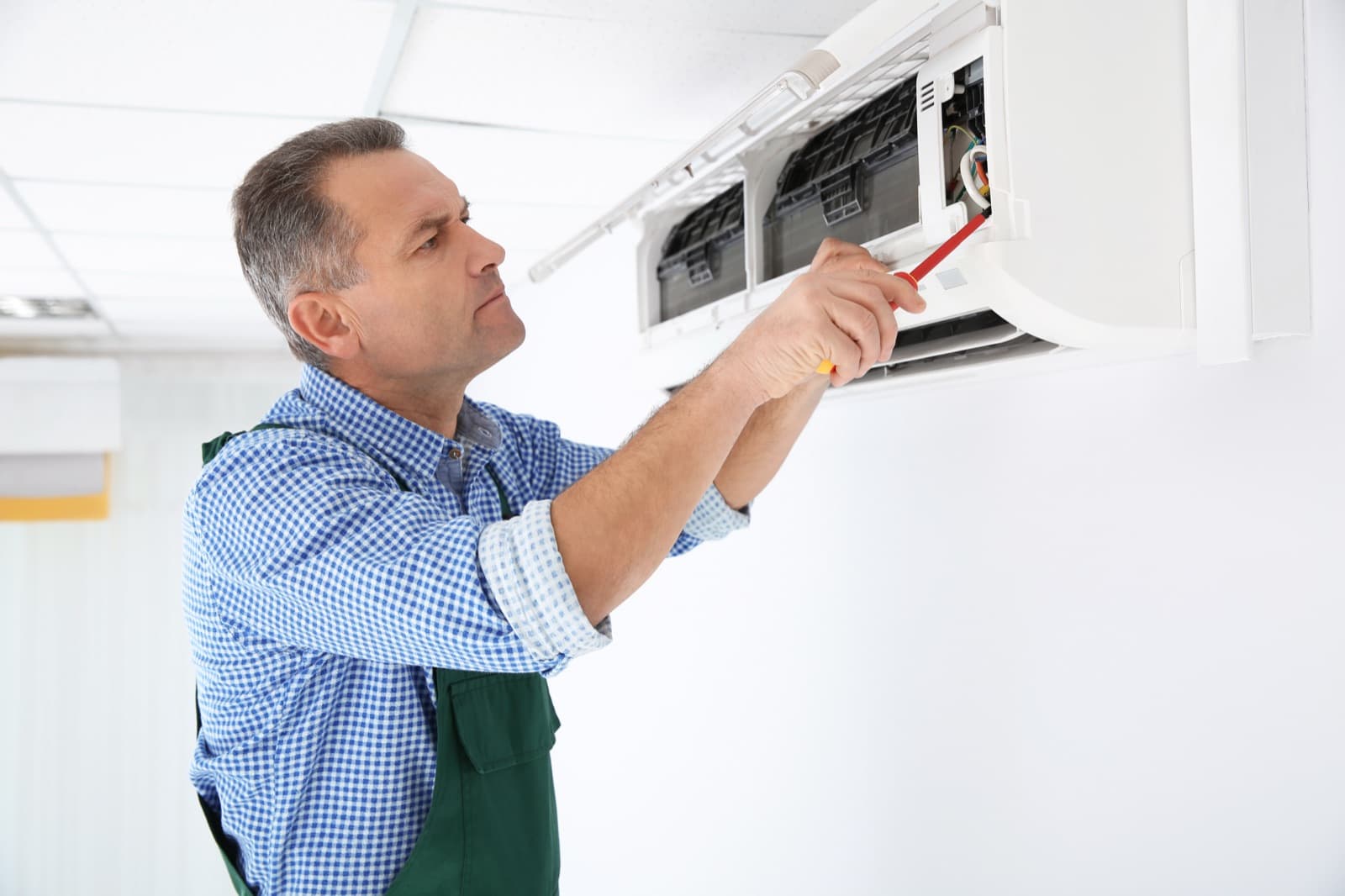
HVAC
HVAC AI Receptionist
Takes maintenance and repair requests and treats no-heat or no-cooling calls as urgent.
See the template →
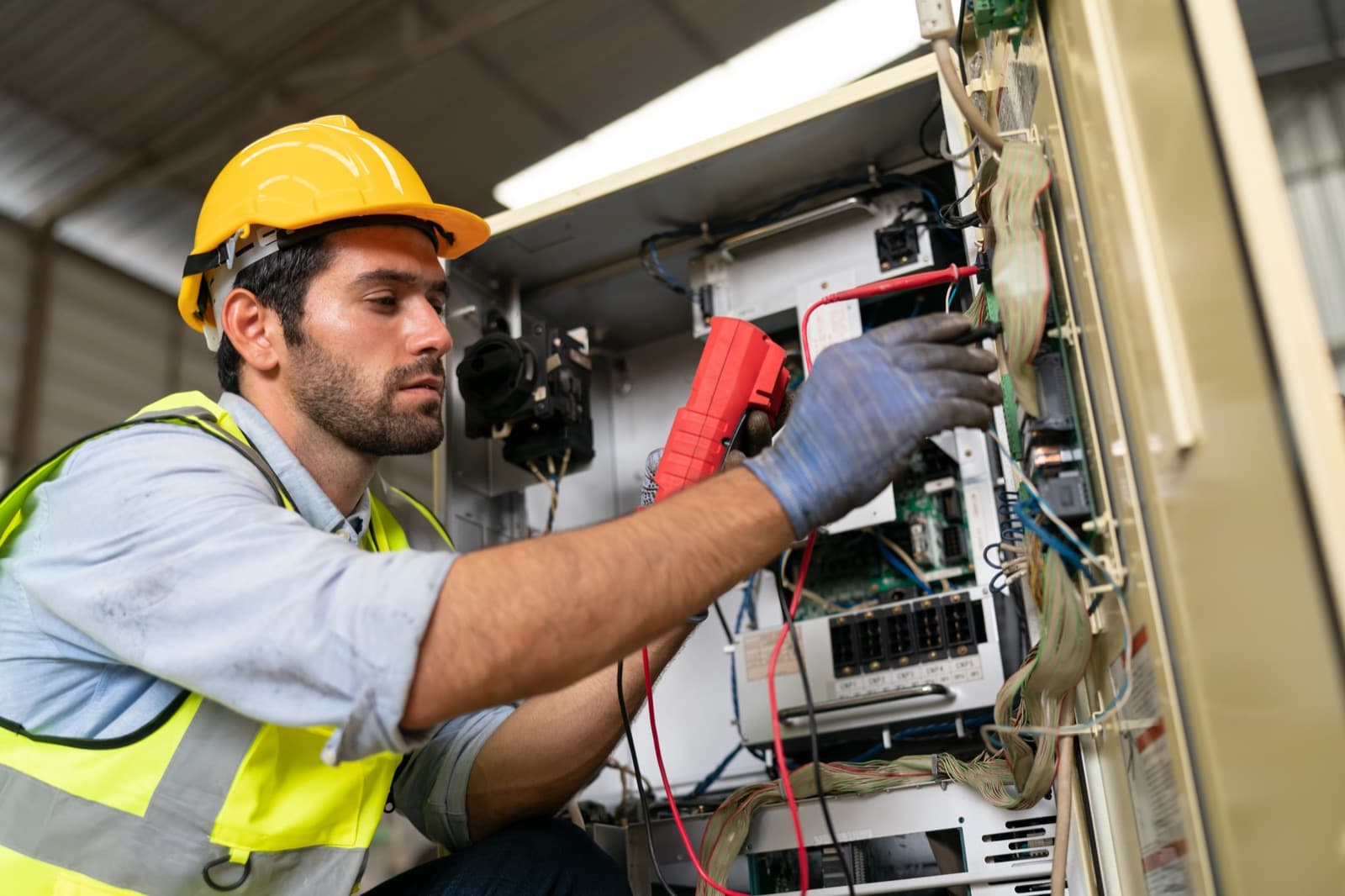
Electrician
Electrician AI Receptionist
Captures electrical job details and books visits.
See what's planned →

Roofer
Roofing AI Receptionist
Qualifies roofing leads and books inspections.
See what's planned →

Cleaning Service
Cleaning Service AI Receptionist
Quotes and books cleaning services.
See what's planned →

Landscaper
Landscaping AI Receptionist
Captures landscaping requests and books estimates.
See what's planned →

Pest Control
Pest Control AI Receptionist
Books pest-control visits.
See what's planned →

Emergency Intake
Emergency Services Intake
Fast intake and routing for urgent service calls.
See what's planned →
What customers call about
Calls to a plumber, HVAC company or other trade are usually one of three things: an emergency (a burst pipe, no heat in winter), a routine job (a dripping tap, a service visit, a quote) or a question about prices, service area and hours. They often arrive when everyone is on a job and can't pick up.
How a RingMind assistant handles them
The Plumbing Receptionist and HVAC Receptionist capture the problem, address and best number, ask whether it's an emergency and take a service-visit request for your team to confirm. Emergencies such as flooding or no heat or cooling are marked urgent and emailed to your team straight away. Add the person on call to the transfer list and callers who need someone now can be put through.
It answers price and service-area questions only from what you list, so it never invents a quote. Connect a calendar (Beta) and it can book visits into open slots; otherwise each request waits for your team to confirm. Anyone describing a life-threatening emergency is told to hang up and call 911.
Built and planned
Built: the Plumbing Receptionist and the HVAC Receptionist. Planned for other trades:
- Electrician Receptionist and Roofing Receptionist
- Cleaning Service Receptionist and Landscaping Receptionist
- Pest Control Receptionist and Emergency Services Intake
Today, those trades can start from the General Business Receptionist with their own services, area and instructions. See AI receptionists for home services.
Limits to know
Business hours on a number can ring your team while you're open and send calls to the assistant or voicemail after hours, but there's no on-call rota: the assistant's transfer list is the same at any hour, with up to five people. Existing US numbers can be moved to RingMind, which usually takes one to three weeks. The assistant doesn't place outbound calls to customers.
Questions about AI assistants for home services
How does it tell an emergency from a routine job?
It asks what's happening and treats situations you'd expect, such as flooding, burst pipes or no heat or cooling, as urgent. Urgent messages are emailed to your team straight away.
Can it send emergencies to whoever is on call?
It can transfer callers to up to five people on its transfer list. There's no on-call rota, so keep the list to the people who can take urgent calls. Business hours on the number decide whether calls ring your team or go to the assistant.
Will it give customers a price?
Only prices you list in its services or knowledge. For anything else it takes the job details so your team can quote.
Can it book jobs into my calendar?
Yes, with Google Calendar, Microsoft Outlook or Calendly connected (Beta) and booking enabled. Without a calendar it takes a service-visit request for your team to confirm.
I'm an electrician or roofer. Which assistant should I use?
Those assistants are planned. Use the general business receptionist today with your own services, service area and instructions.
Will it call customers back for me?
No. The assistant doesn't place outbound calls. Your team calls back from the message details and transcript, and click-to-call shows your business number as the caller ID.
Guides for your industry
Built assistants have a full template and test suite and are offered once every test passes. Planned ones are on the roadmap — each page shows the built assistant to use today.